# Audio VAST creative
One thing to remember - Audio creative supports only audio track and video can't be used.
The audio file itself usually has the following requirements:
- **Format:** MP3, WAV, WMA or OGG
- **Bitrate:** at least 128 kbps
- **Size:** max 50mb
**Duration:** 15 to 30 seconds mostly, with very limited inventory supporting 60s creatives
To create Audio creative, please follow these steps:
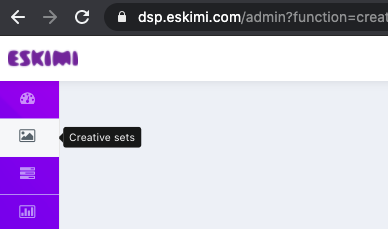
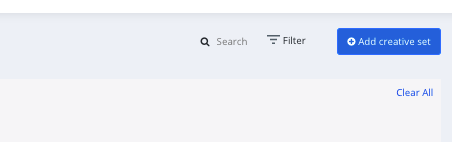
**Step 1:** Log in to your DSP account, go to ***Creative Sets***, and click ***Add creative set***.
[](https://manual.eskimi.com/uploads/images/gallery/2021-02/image-1613663648296.png)
[](https://manual.eskimi.com/uploads/images/gallery/2021-02/image-1613663832858.png)
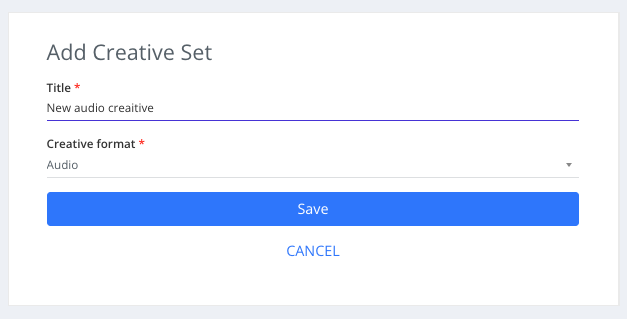
**Step 2:** Add creative title and select Audio as the type of your creative set and click save
[](https://manual.eskimi.com/uploads/images/gallery/2024-01/pOxRlCLU6xLXh2j0-image-1705317440943.png)
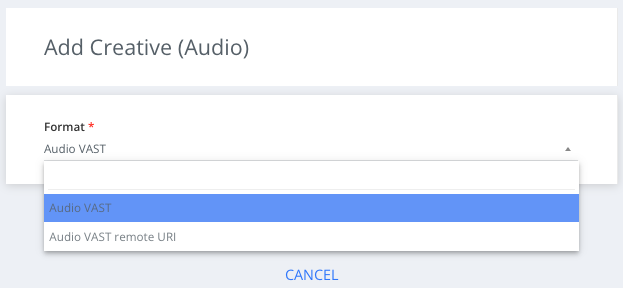
**Step 3:** Select the Audio VAST sub-type from the dropdown menu and click save
[](https://manual.eskimi.com/uploads/images/gallery/2024-01/NpKWM4ONYWNvRI8o-image-1705391110292.png)
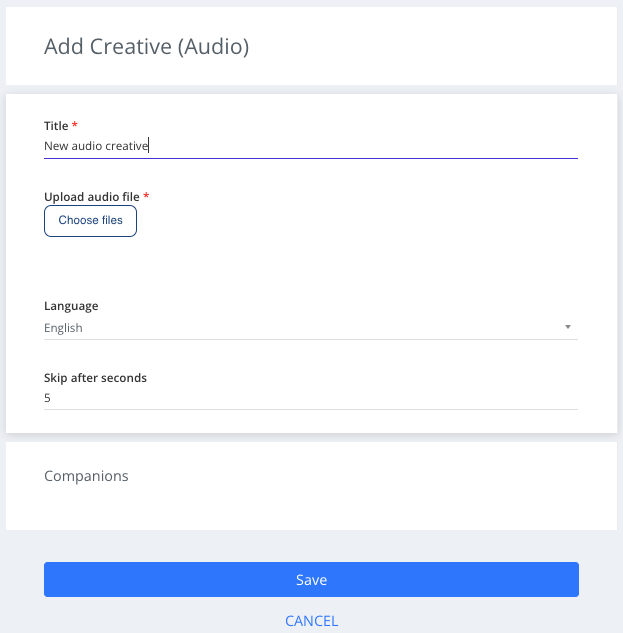
**Step 4:** Select creative language from the Language filter
**Step 5:** Upload creative audio file by selecting "Choose files"
[](https://manual.eskimi.com/uploads/images/gallery/2024-01/nvUZG4QAUcXlzWpM-image-1705391241064.png)
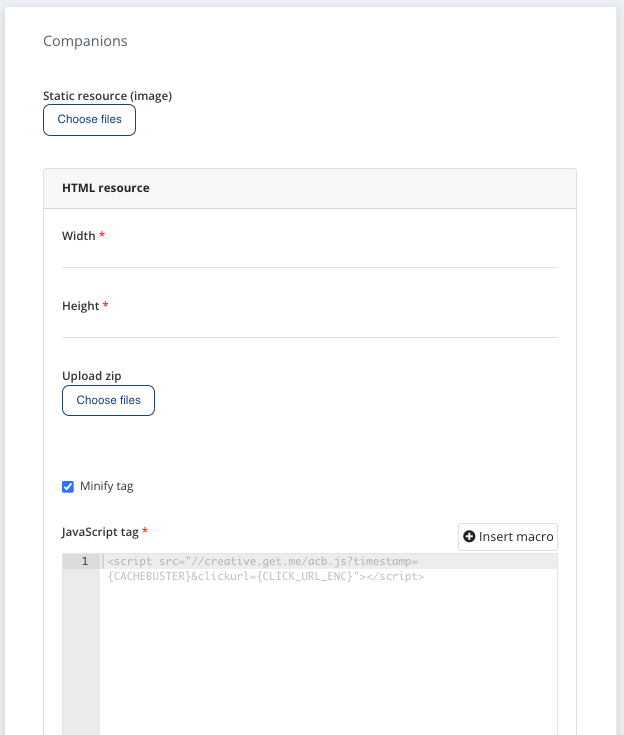
**Additionally:** Audio creatives (10-30% of the current audio inventory, depending on country) also supports companion banners (static(95%) and HTML/JS(5%)). For simple display ad - just upload it by selecting "Choose files". Fo HTML/JS - add creative dimensions and upload/paste creative tag.
We support one companion-ad per creative. Companion should be one from most popular sizes - 300x250px, 320x480px, 480x320px.
In audio campaign report, under "Event metrics" we will see "Companion impressions" and "Companion clicks" companion ad performance metrics (if available).
[](https://manual.eskimi.com/uploads/images/gallery/2024-01/JMZcP7CkAj857gO3-image-1705391351804.png)