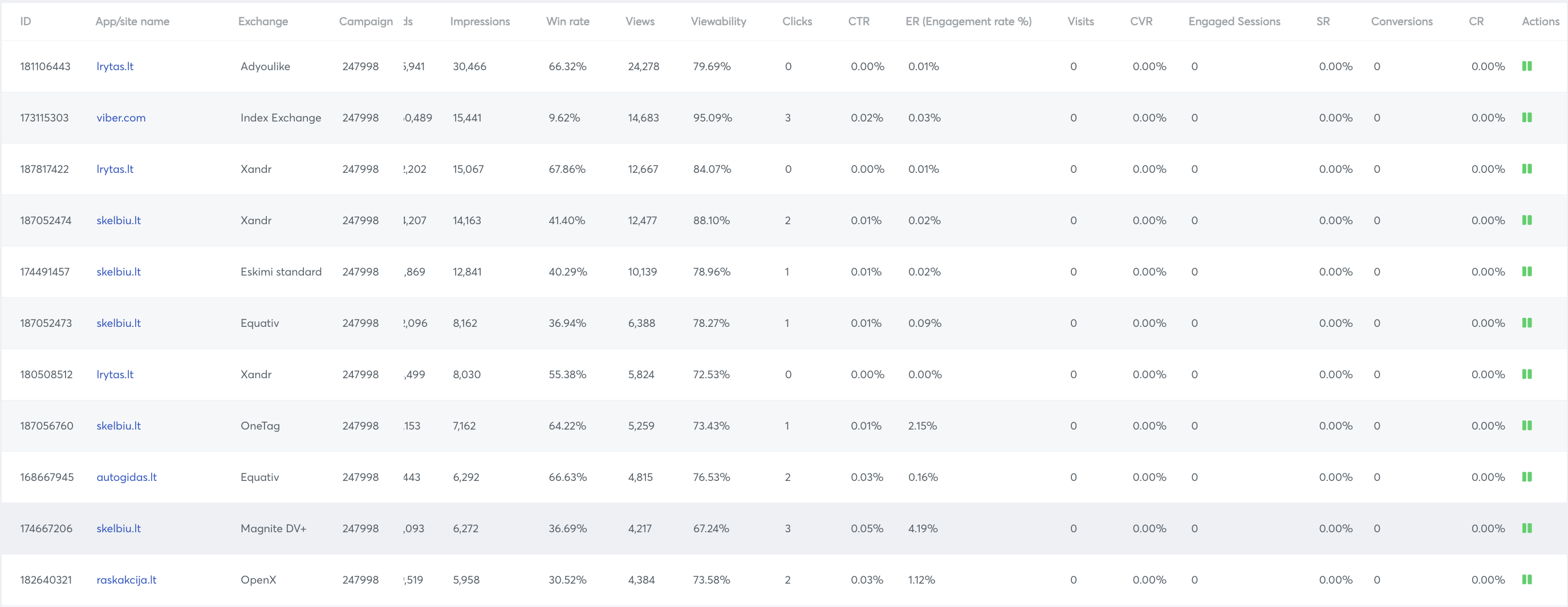
Campaign Optimisation by App/Site
Steps how to do it:
- Press the three dots on the campaign you want to optimize.
- Select Targeting Optimisation.
- Change the filter to optimise by App/Site Name.
- Choose a period.
- Press Search.
Action column meanings:
- Play (red) - The site/app is not bidding and user can start bidding on this site/app by clicking on the play icon
- Pause (green) - The site/app is bidding and user can stop bidding on this site/app by clicking on the pause icon
For the advanced filter on the campaign optimisation page, see Advanced Filter in Campaign Optimisation.