
Campaign Optimisation by App/Site
Steps how to do it:
- Press the three dots on the campaign you want to optimize.
- Select Targeting Optimisation.
- Change the filter to optimise by App/Site Name.
- Choose a period.
- Press Search.
Action column meanings:
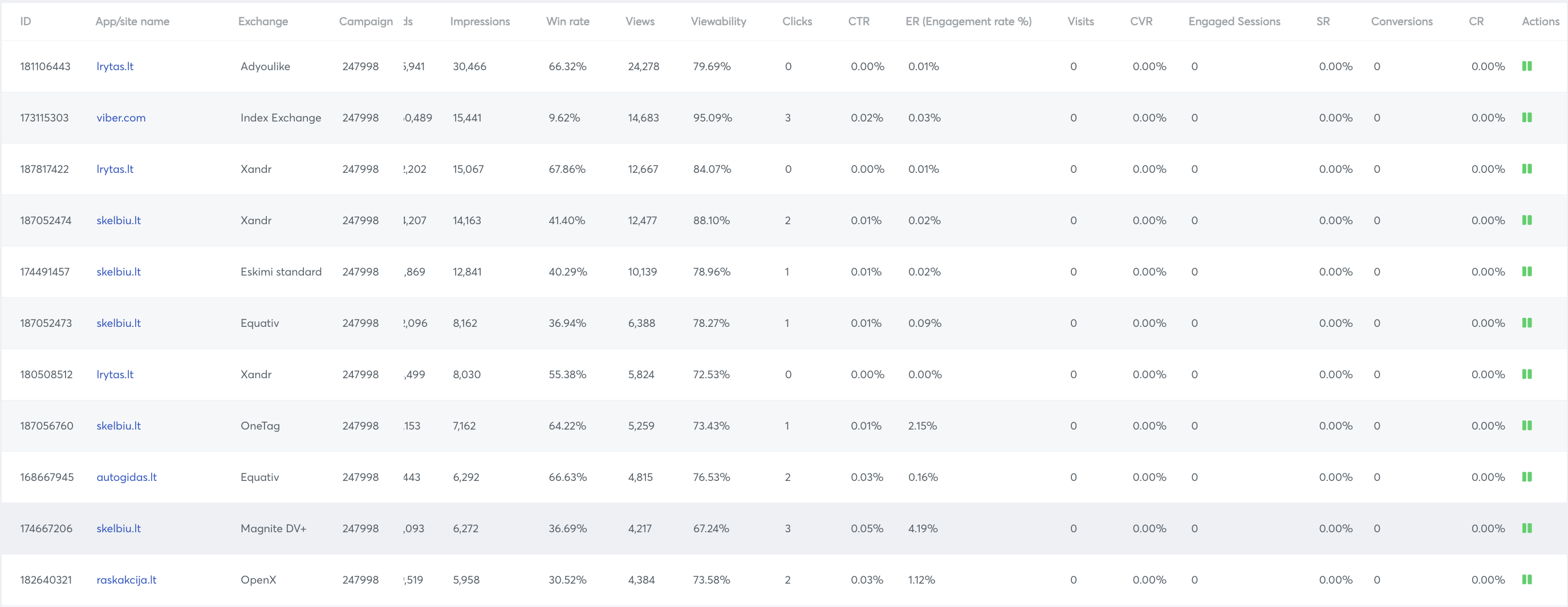
- Play (red) - The site/app is not bidding and user can start bidding on this site/app by clicking on the play icon
- Pause (green) - The site/app is bidding and user can stop bidding on this site/app by clicking on the pause icon
Advance
For the advanced filter inon campaign optimisation
Inthe campaign optimisation pagepage, theresee isAdvanced anFilter advancein filter.Campaign Using this there is a possibility to filter data more efficiently:Optimisation.
There is an option to add as many filter (rows) we want by clicking onAdd new dimension or metricTo add a new row we get 2 options, AND & ORAND: Both of the logics have to be true(rows around it) at the same timeOR: Any one of the logics must be true (rows around it)
We can include/ exclude to include/ exclude any condition
Example: We can exclude apps/sites for which impressions are less than 100000

Using the source/ medium filter we can use Bids, impressions, Win Rate, Views, Viewability, Clicks, CTR, Conversions, CR, CPM, CPC, CPA and SpentUsing the containing filter and value filter we will be able to complete the logic. In containing we will use the relation with the value.