Static Banners (Standard Display)
What is banner (standard display)?
Display ads attract the users of a site, social network, or other digital channels to perform a particular action. They are often composed of image, textual, or video ads that stimulate the customer to click on them and reach a landing page where they can take the desired action (such as buy your product).
Display ads also work well for retargeting campaigns, where advertisements are shown to viewers who’ve already viewed a particular site. The purpose is to “retarget” them and stimulate them to revisit the site to perform an action.
Requirements
Format - .png, .jpg/.gif
Most popular sizes
Mobile (dimensions in pixels)
320x480, 300x250, 300x600, 250x250, 200x200, 300x100, 468x60, 320x50, 300x50
Desktop (dimensions in pixels)
300x250, 728x90, 250x250, 300x600, 160x600, 120x600, 336x280, 970x90, 970x250
Uploading banner
Log in to your DSP account, go to Creative Sets, and on the new page click "Add creative set".
On the next page indicate the creative set's Title and select the "Banner" format.
First, choose the type of your banner:
After selecting the desired creative format, click "Continue". And you will be greeted with the upload screen. Indicate the Title of the creative, and select the file you want to upload. After that click "Save".
Examples
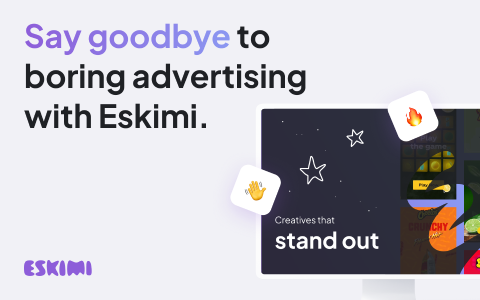
300x250 |
336x280 |
300x300 |
480x300 |
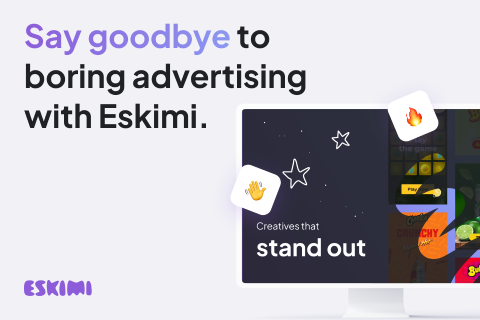
480x320 |
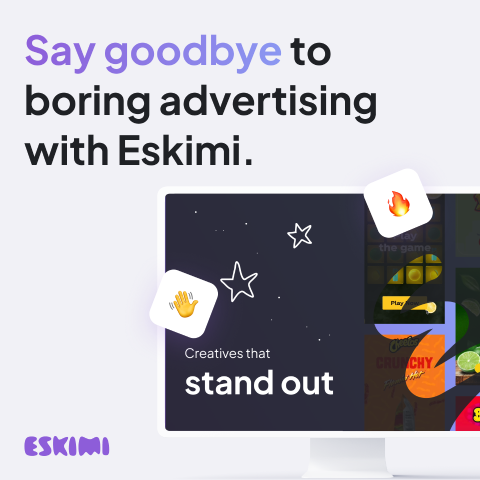
480x480 |
160x600 |