
Why do we need Open Files?
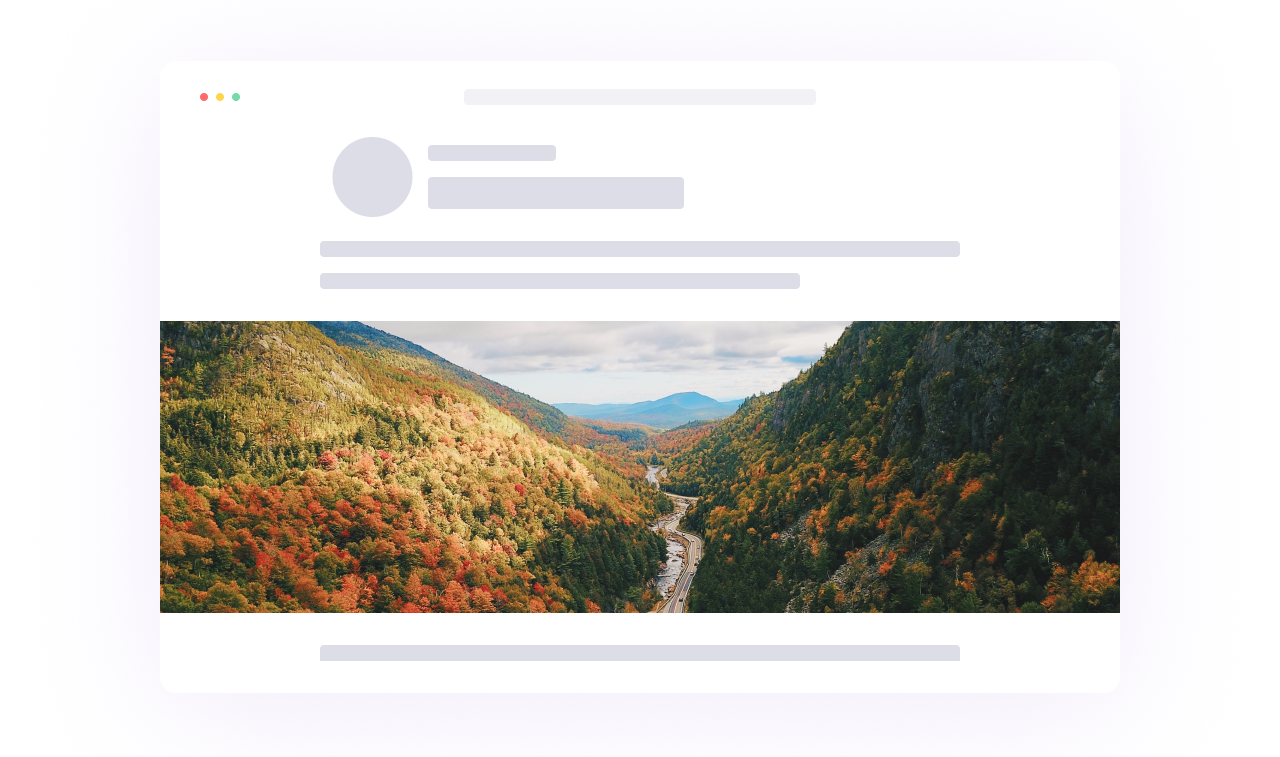
SEPARATE ELEMENTS
In an Open File, these elements remain separate:
- Logo
- Headline and other text
- Product images
- Background
- Buttons
- Colours, etc
This means we can move, resize, replace or edit one element without changing everything else.
WHY WE NEED SEPARATE LAYERS
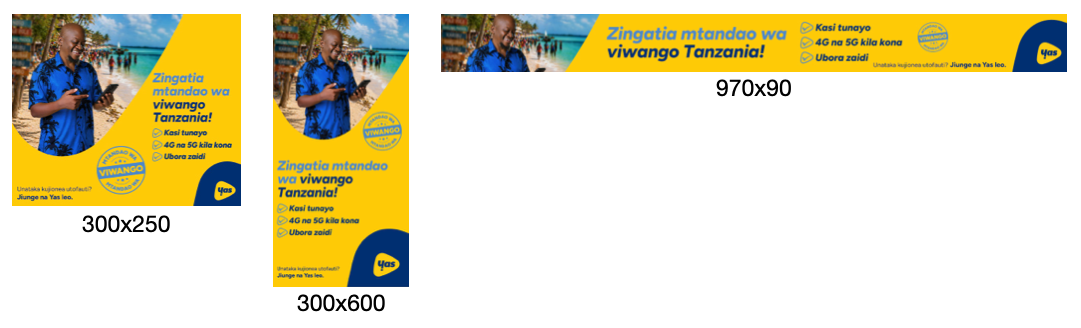
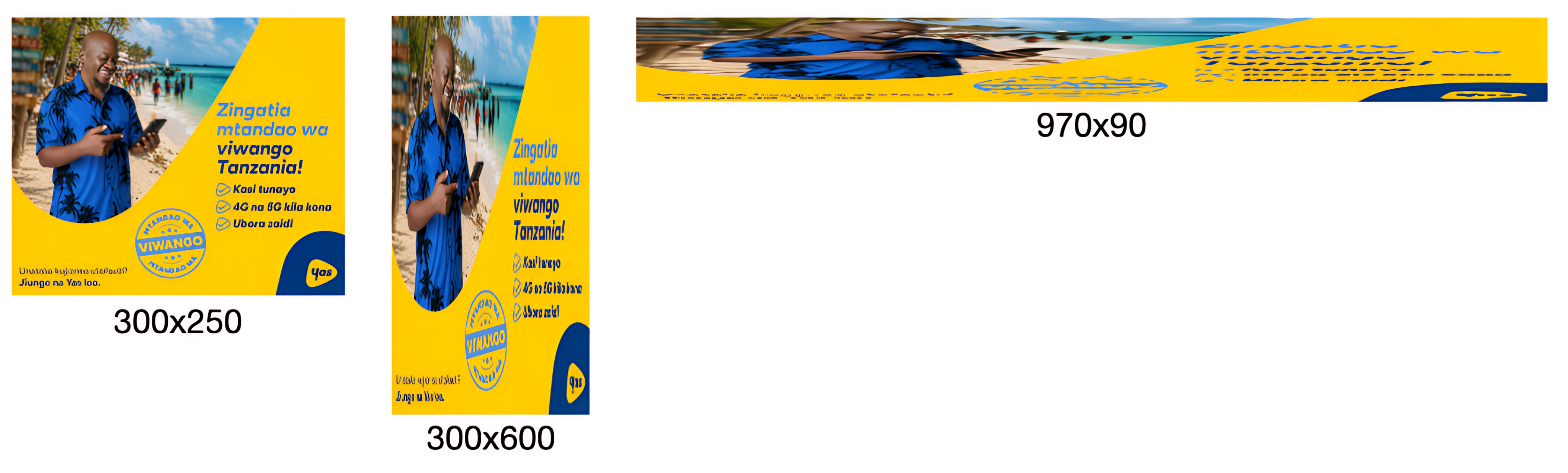
To resize your banners for different ratios, we need to physically move the individual design elements independently within the full image itself; we cannot simply stretch a 300×250 banner into a 970×250 banner (as an example - this principle applies to all sizes); it would look like this:
WHAT IT SHOULD LOOK LIKE
WHAT IT ENDS UP LOOKING LIKE
*See this in action here.
This is important because proper resizing requires us to work with individual elements independently to:
- Move a product without moving the background
- Move a logo separately from the headline
- Resize and reposition assets for different formats
- Optimise layouts for different screen sizes
When we only receive a flattened image (.JPG, .PNG, etc), none of these elements exist separately anymore - to us, the entire banner becomes a single picture.
Imagine it like receiving a photo of a loaf of bread and being asked to change the flour - the flour is already baked into the bread; they’re no longer separate elements that can be changed.
The same applies here. Without layered source files, we cannot accurately isolate products, logos, text, backgrounds, buttons, or other creative elements.
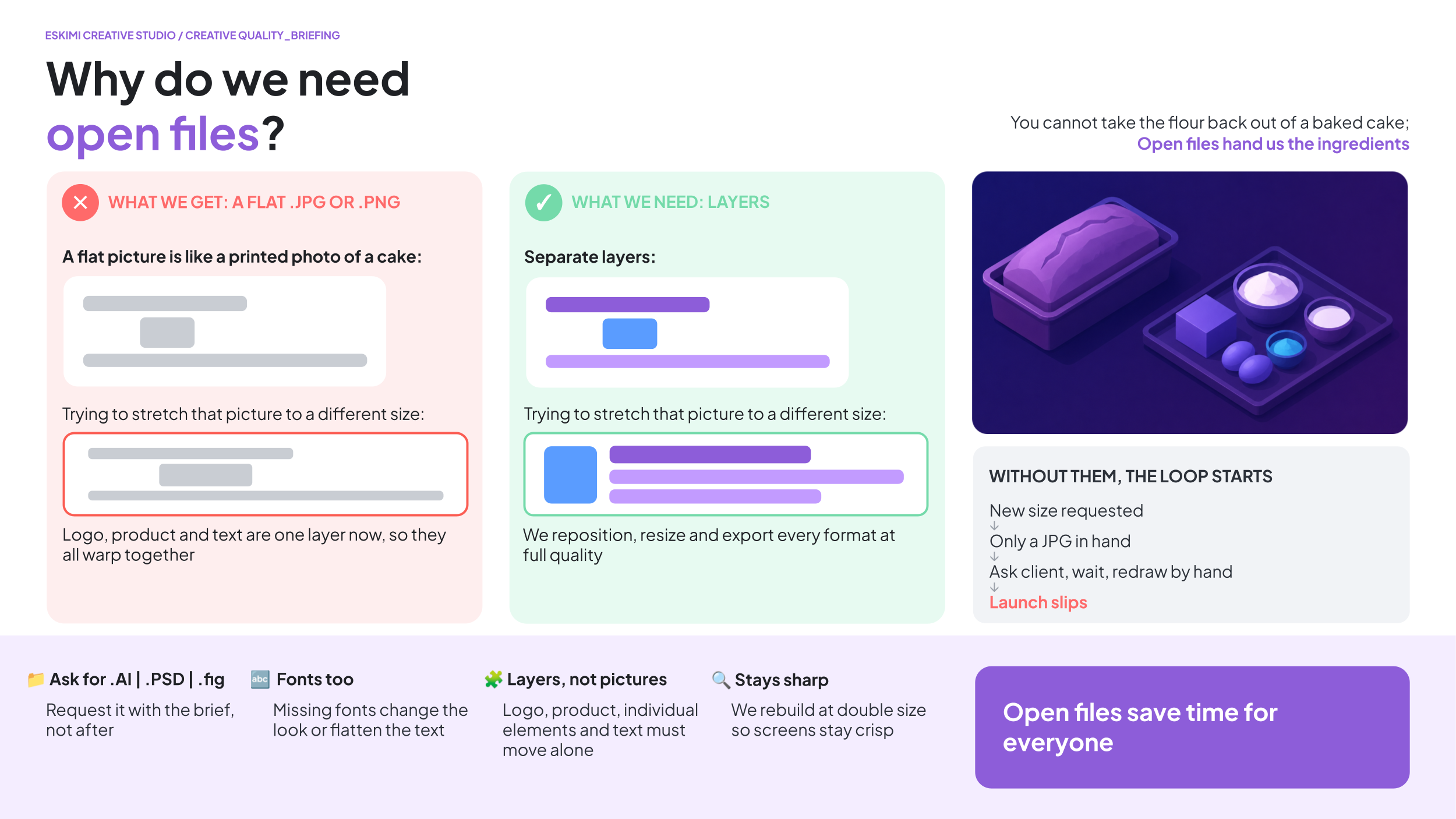
*Read more about what Open Files are here.