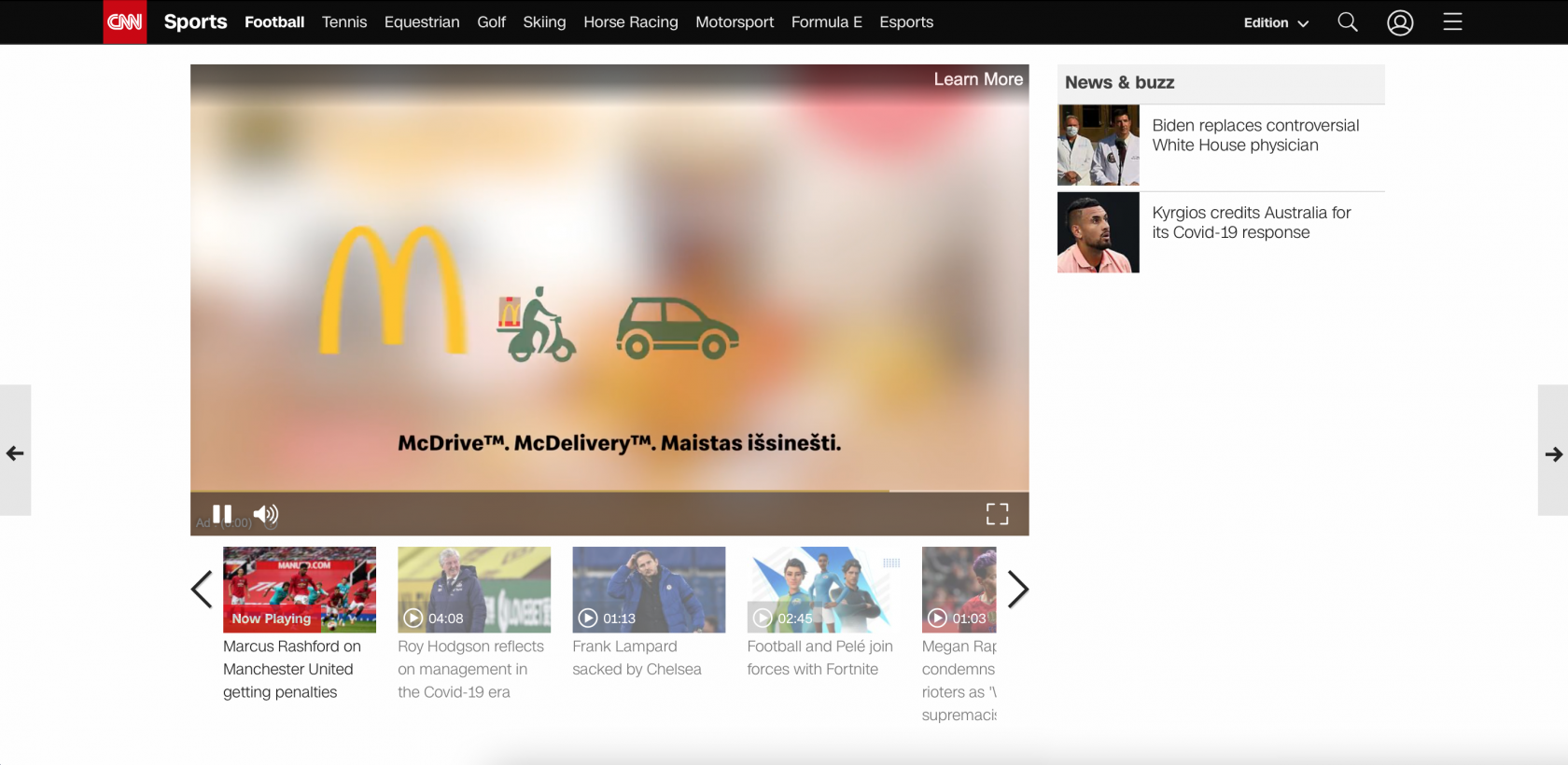
VAST Video
VAST (Video Ad Serving Template) is a video ad served inside a publisher's own video player. Instead of shipping a fixed-size creative, you supply one video and the player renders it in whatever slot it has available.
That single point drives most of the specs below: because the player controls the frame, aspect ratio matters and pixel dimensions do not.
Two ways to supply the creative
A VAST video campaign can be set up either by uploading the video file to Eskimi, or by pointing Eskimi at a VAST tag hosted on the client's ad server.
| Option | What you supply | When to use it |
| Upload an MP4 | The video file itself, uploaded to Eskimi. Eskimi generates the VAST response. | The default. Use it whenever you have the raw creative and no third-party ad server is involved. |
| External VAST URI | A remote VAST tag URL from the client's ad server (Campaign Manager, Flashtalking and similar). | When the client serves and measures the creative from their own ad server, or needs to swap the creative without re-trafficking. |
- The two behave differently once the campaign is live, so it is worth knowing which one you are working with:
The specs below apply to MP4 uploads. With an External VAST URI the creative lives on the client's ad server, so they own the file type, ratio, size and duration — Eskimi cannot validate or change it. Send them the specs before they traffic the tag. - Skip offset is not editable on an External VAST URI. The "Skip after seconds" field only affects uploaded MP4s; with a remote tag the skip behaviour comes from the client's VAST response.
- Tag-wrapped third-party measurement is not supported on an External VAST URI. See "Third-party tracking" below.
Creative specifications
| Attribute | What to use | Required or recommended |
| File type | MP4 | Required |
| Aspect ratio | 16:9 (landscape) or 4:3 | Required |
| Resolution | 720p is a good default; 1080p is fine too | Recommended |
| File size | Up to 5 MB | Recommended |
| Duration | From 5 sec. upwards — no fixed cap | See "Video duration" |
| Fixed pixel dimensions | Not applicable — the player scales the creative to the placement | - |
The two things people get wrong:
- There is no required pixel size. Older versions of this article listed dimensions such as 320x480 or 1024x768. Ignore them — VAST creatives adapt to the placement, so only the aspect ratio needs to be correct.
- 5 MB is a recommendation, not a rule. A file above 5 MB will still run; it just loads more slowly, which can cost you impressions and completions on slower connections. Keep it under 5 MB when you can, but do not reject a creative for being larger.
Aspect ratio
Aspect ratio is the spec that actually needs to be right. Supply the video in one of the following:
| Aspect ratio | Typical placement | Notes |
| 16:9 | Desktop and mobile in-stream, landscape players | The most widely supported ratio — use this if you only produce one version |
| 4:3 | Older / legacy players | Accepted, but reaches less inventory than 16:9 |
A creative in the different ratio is not rejected, but the player will letterbox or pillarbox it — black bars top and bottom, or down the sides. Anything important near the edges of the frame can end up cropped or visually cramped, so keep logos, legal text and the CTA well inside the safe area.
Video duration
There is no single maximum duration, and no length that is right for every campaign. What to use depends on the trade-off you want to make.
What the format supports
- Under 5 sec. — serves as a non-skippable ad.
- 5 sec. and above — serves as a skippable ad (see "Skip offset" below).
- No fixed cap. A large share of bid requests accept up to 30 sec., and a meaningful share accept 30–60 sec. Longer creatives can run, but on progressively fewer placements.
The trade-off
Length pushes two things in opposite directions:
- Available inventory. The shorter the video, the more placements it can serve on. A publisher that only accepts up to 30 sec. will not bid on a 45 sec. creative, so scale narrows as duration grows.
- Video completion rate (VCR). The longer the video, the smaller the share of users who watch it to the end. Internal comparisons have seen roughly 82% VCR on 10 sec. creatives against around 50% for a standard-length VAST video.
So a long creative is a legitimate choice when the message needs the time and the campaign is measured on something other than completions. If VCR or scale is the KPI, shorter wins. Decide the length from the KPI, not from a spec sheet.
Skip offset
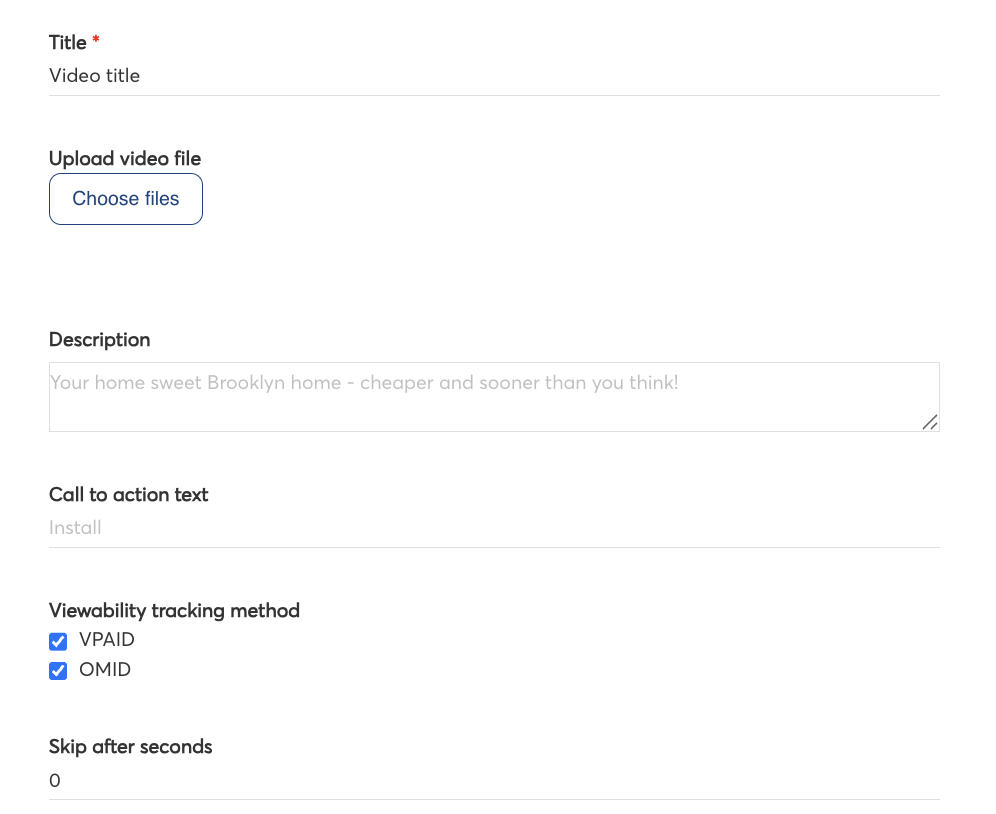
Skippability is a lever worth using deliberately. If a video can be skipped at 5 sec., a large share of users will skip it there — and the brand message never lands. Eskimi lets you move or remove that skip point.
Set it in the "Skip after seconds" field when you upload the MP4. Note that this field has no effect on an External VAST URI — a remote tag carries its own skip offset, set by the client's ad server.
- 5 — the default: the user can skip after 5 sec.
- 0 — no skip option at all; the ad is non-skippable.
- Up to 30 — the protocol ceiling for the skip offset itself. This is a limit on when the skip button may appear, not a limit on how long the video may be.
Pushing the skip point out protects the message but reduces the number of players willing to serve the ad, and users who cannot skip are more likely to abandon the content. Treat 0 as a deliberate choice for a short creative rather than a default.
Third-party tracking
A 1x1 tracking pixel can be added to any VAST video campaign. VAST does not support JavaScript tags, so the pixel is the standard route — but it only reports impressions to third-party platforms such as Integral Ad Science.
To measure anything beyond impressions — viewability, brand safety, IVT — the VAST video has to be wrapped in a third-party tag.
VAST Examples