
Why are my banners pixelating?
WHY ARE MY BANNER IMAGES PIXELLATING, AND HOW DO WE FIX THIS
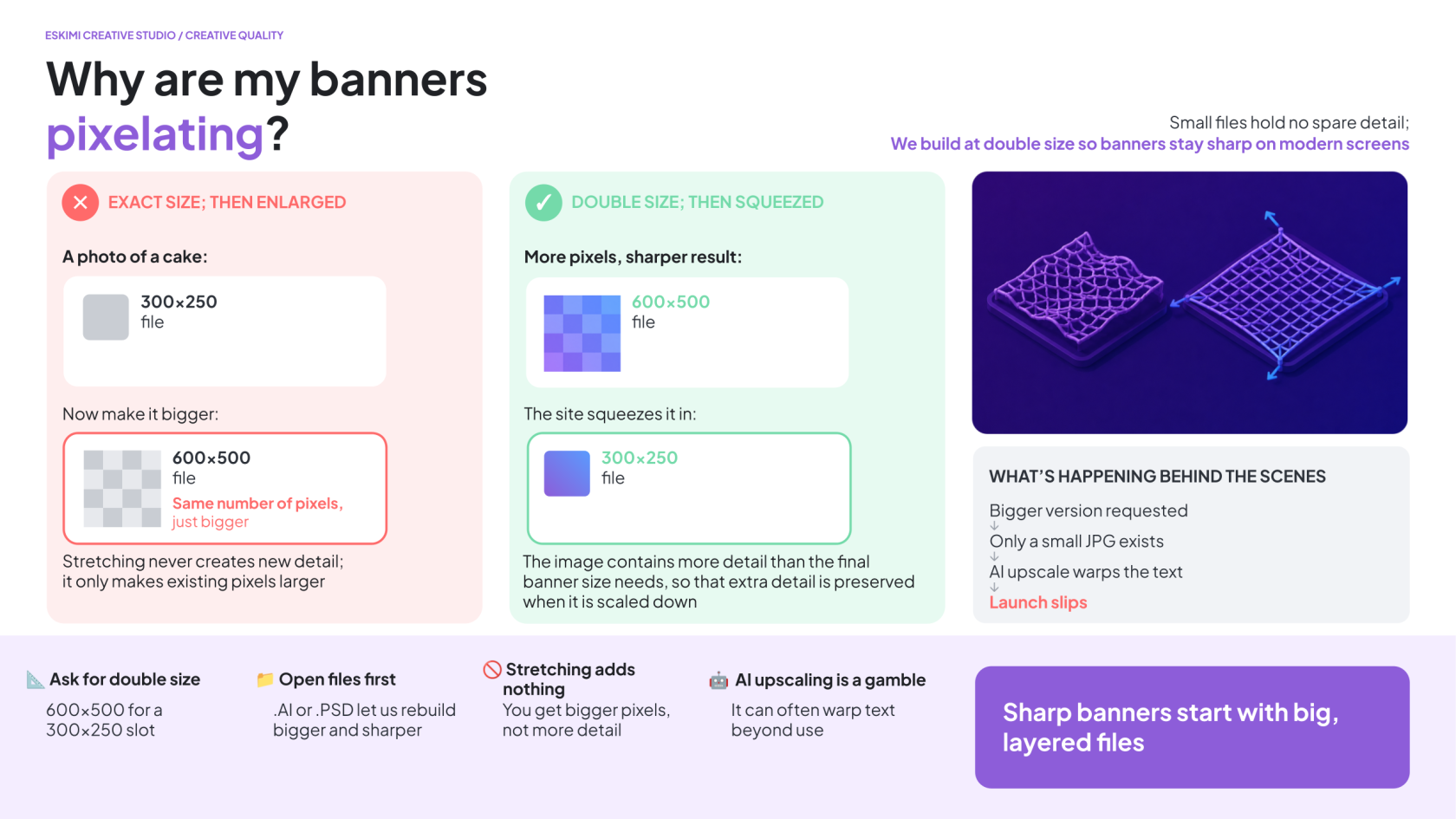
The reason the banners are pixellated is because the file sizes and dimensions are simply just small.
We usually prefer to deliver them in double the dimensions to account for this - here’s how it works using a standard 300x250 banner as an example:
-
The actual “slot” on the website is 300x250 pixels
-
If we provide a file that is exactly 300x250, it can look blurry on those sharp screens
-
To fix this, we create the image at 600x500 (double the size)
-
The website then “squeezes” those extra pixels into that original 300x250 slot
This isn’t about making the banner physically bigger on the page - it’s a compression tactic to make sure the image stays crisp and sharp.
WHY CAN’T WE DO THIS IF WE DON’T HAVE OPEN FILES
We can't upscale banners without open files - it's always easier to make things smaller, but to make things bigger isn't as easy because you can't just stretch it; it will make pixelation worse.
Think of it like this: A .JPG is like taking a photograph of a cake.
-
If you want to make the photo smaller, that's easy; you're just shrinking the picture
-
If you want to make it much bigger, the camera didn't capture any extra detail
-
Stretching the photo doesn't create new pixels - it just makes the existing pixels bigger and blurrier
AI can help upscale and sharpen things, however it's not good with text - it warps it quite often so it can become unusable, so we could try this approach, but it’s not always successful.
To fix this, we need open files - files that end in .AI or .PSD.
TO UNDERSTAND WHY WE NEED THIS IF YOU NEED HELP EXPLAINING IT TO YOUR CLIENT
-
A .JPG is a single, flattened image - everything has been merged together into one layer
-
The logos, text, products, backgrounds, and effects are all "baked together" into one picture - like a printed out photo of the cake example from above
-
An open file is like having the original cake recipe and all of the individual ingredients laid out separately. We can:
-
Resize the logo without affecting the background
-
Replace a product with a higher-resolution version
-
Reposition individual elements
-
Export each asset at the correct size
-
Rebuild the artwork at a larger resolution while keeping it sharp
With only a .JPG, none of those individual elements exist anymore. We can't "fill in" the missing detail because that information was removed when the design was flattened into a single image.
You can also think of it like stretching out fishnet stockings. Out of the packaging, they look like this:
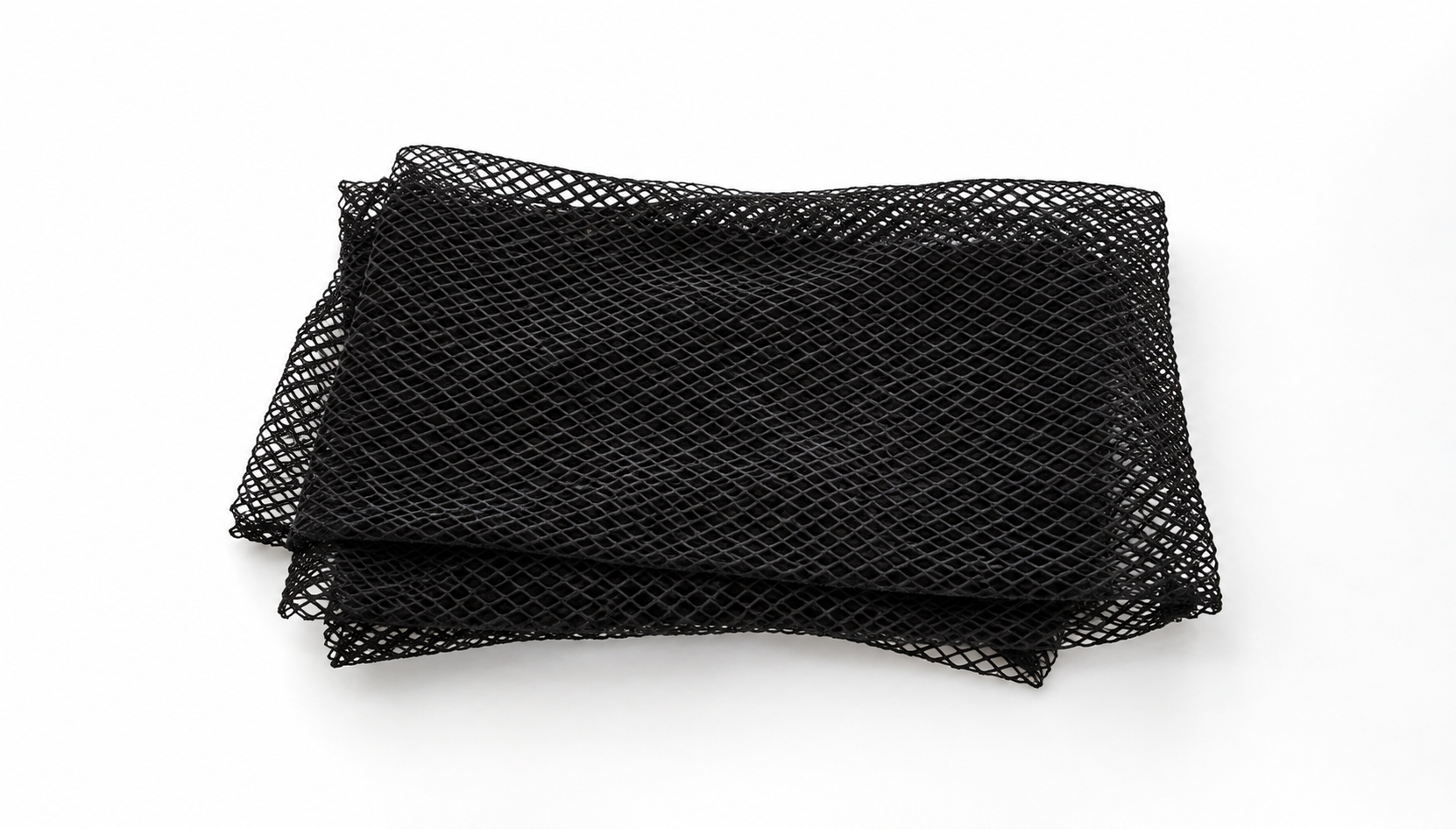
When you stretch them, they look like this:
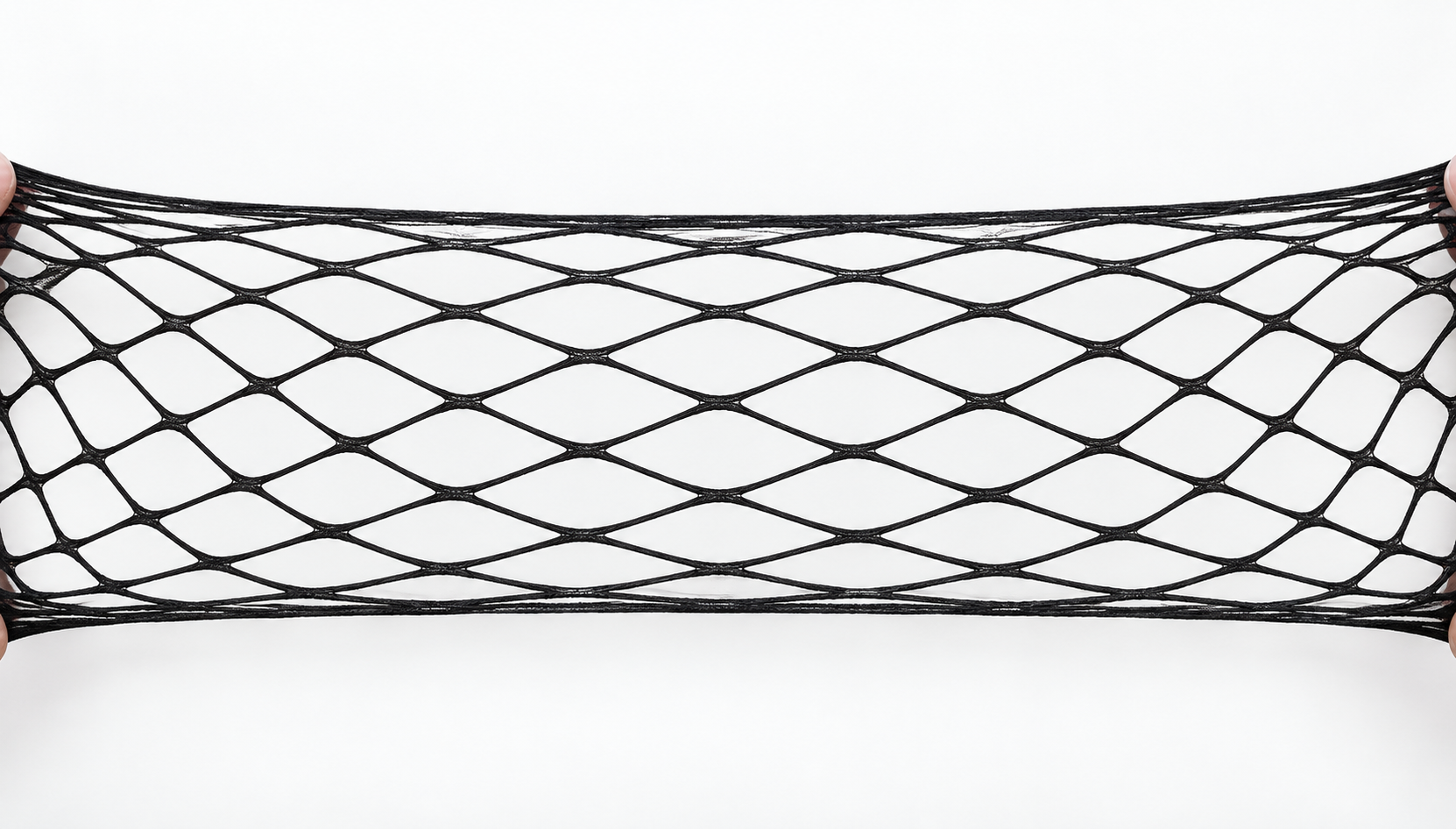
We can’t fill in the gaps because nothing exists to fill the gaps with.